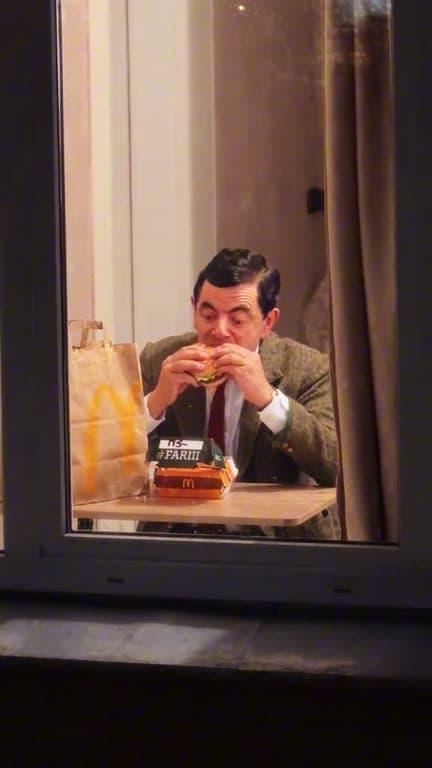
ONE PHOTO. A VERY AWKWARD WINDOW.
Window Peeper AI — the Burger Window Trend
Create a Window Peeper AI video from one photo. Get caught eating a burger, stare at the camera, and close the curtain — all with AI.
Create My Window Peeper Video One photo · No editing neededBrowse templates
YOUR TURN
Create Your Window Peeper AI Video From One Photo
Use the Window Peeper AI generator to upload one photo, review the quality-based credit cost, and create your 15-second vertical video.
THE WINDOW IS LIT
Create your Window Peeper AI video
01 / ADD YOUR PHOTO
Add one clear photo.
Choose a photo with one recognizable subject and the look you want in the video.
JPG, PNG or WebP · up to 10 MB · one subject
02 / CHECK YOUR VIDEO
The scene is set.

Burger at the window
The camera finds one lit window. You take a bite, notice the lens, hold the stare, then close the curtain.
AI concept artwork · your video is generated from your photo.
15 seconds · 9:16 portrait MP4Night ambience, burger and curtain sounds
Private photo upload50 credits / video
PREVIEW THE SCENE
Explore Window Peeper AI Video Previews
Explore different late-night window previews. Your video is created from your photo in the fixed 15-second, 9:16 burger scene.
Create from my photo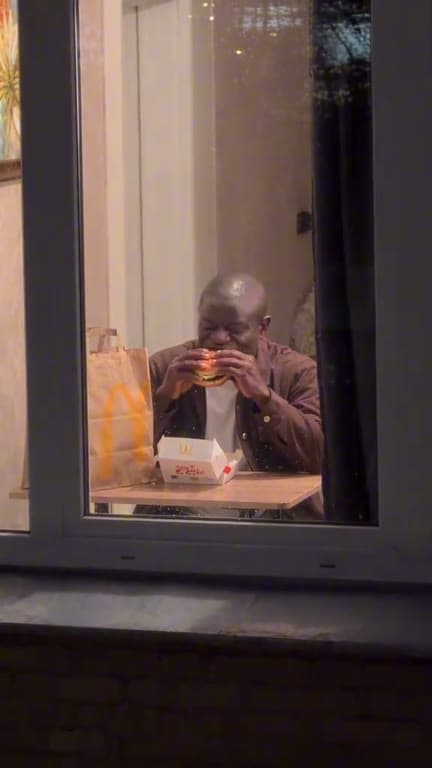
An Unbothered Bite
Create from my photo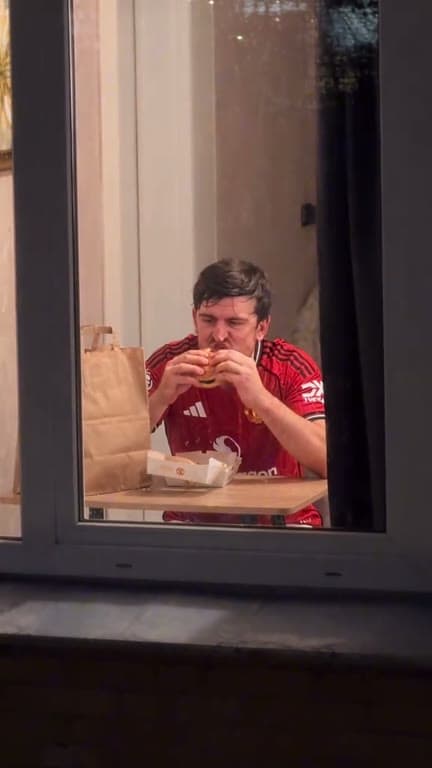
One Last Bite
Create from my photo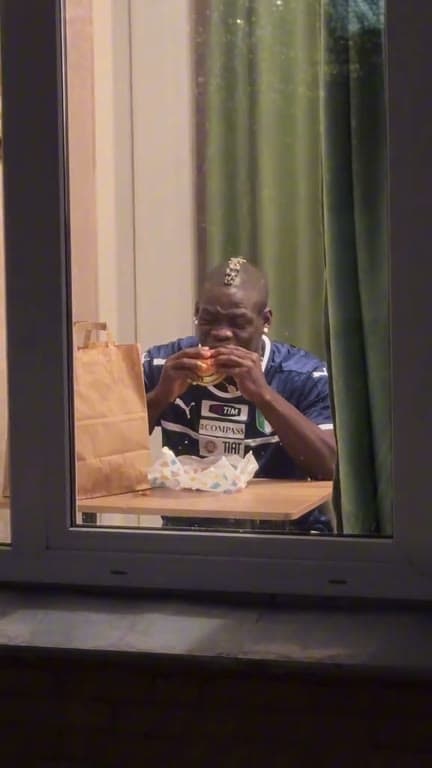
The Long Look
Create from my photo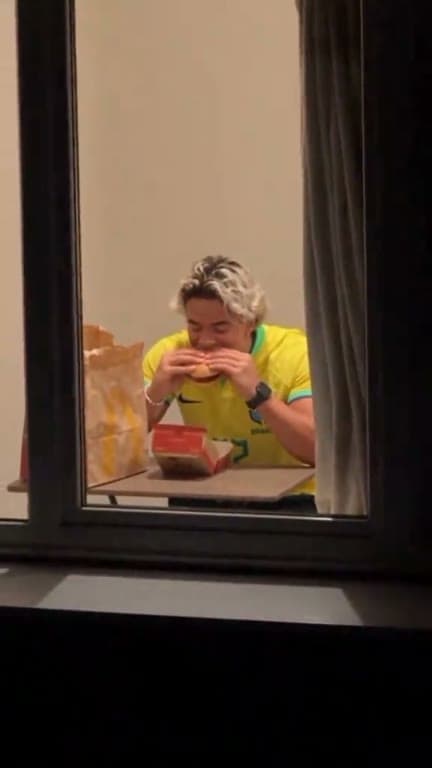
Caught in the Window Light
Create from my photo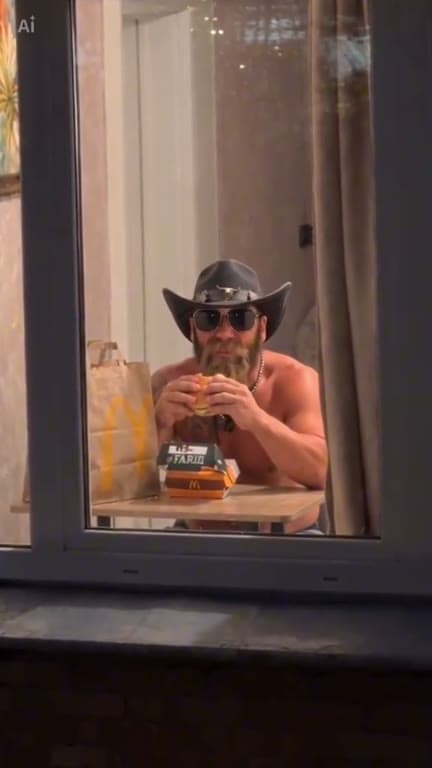
Window-Side Dinner
Create from my photo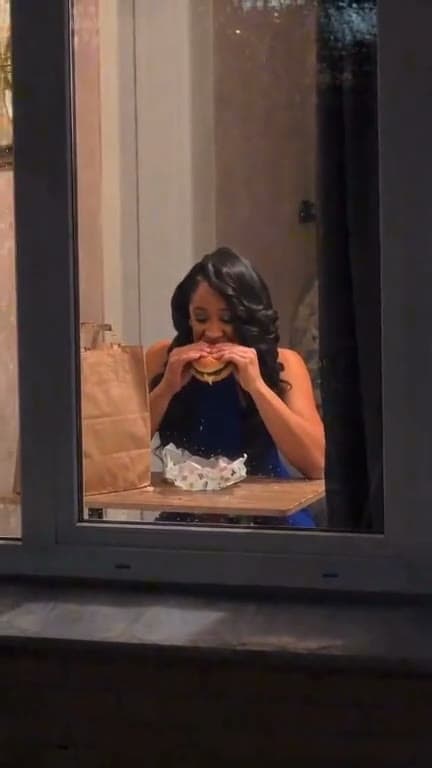
After-Hours Snack
Create from my photoThese clips preview the scene only. Your video is generated from the photo you upload; the previews are not videos made from your photo.
THE FORMAT, MADE SIMPLE
What Is the Window Peeper AI Trend?
Window Peeper AI creates a compact, comic late-night scene: a camera finds a lit apartment window, catches someone taking a burger bite, and gets a long look before the curtain closes. People searching how to do the Window Peeper trend can use this page to understand the scene and one-photo workflow; we do not claim a verified trend origin or popularity. The result is a 15-second portrait story generated around one person in your photo.
One photo, one subject
Choose a single clear photo of a person you have permission to feature. A recognizable face, visible hair and clothing, and a reasonably sharp image help keep the person recognizable. You do not need to photograph a burger, window, or night scene; those details are part of the video scene.
A new video, not a filter
Searching for a Window Peeper filter? A filter adds an effect to existing footage or a camera view. This Window Peeper AI generator instead creates a new scene from a still image, with the approach, burger bite, look at the camera, and curtain close in one short sequence. Choose the video quality and create your clip.
A one-photo CapCut alternative
People comparing a Window Peeper CapCut alternative can use this one-photo workflow to skip manual timing and clip assembly. Upload a photo, select 480p or 720p, review the displayed credit cost, then create the 15-second vertical MP4. CapCut is an independent editing product; this tool does not use CapCut templates or reuse an existing video.
A private result with a download window
Your upload is used to create the scene and is scheduled for deletion within 24 hours, including failed or partial uploads. A finished video appears in your private account after storage succeeds and remains available for seven days. Download it during that window, and make sure you have the rights and consent needed for the photo you supplied.
THREE STEPS, ONE SCENE
How to Make a Window Peeper AI Video in 3 Steps
Bring a photo. The camera move and scene timing are already prepared.
Add one photo
Choose one clear photo of a person you have permission to feature. A front-facing image with visible hair and clothing helps preserve recognizable details.
Choose video quality
Pick 480p or 720p and see the credit cost before you generate. Your video follows the 15-second, 9:16 scene format.
Download your video
Your finished MP4 appears in your private library after it has been stored. Download it within seven days.
THE SCENE, BEAT BY BEAT
Inside the Window Peeper AI Burger Window Scene
A camera approaches from across a quiet street and finds one warmly lit window. Inside, someone takes a bite, notices the lens, and holds the stare before pulling the curtain shut.
The service generates a new scene from your photo. It does not use a downloaded trend clip or a reference video as provider input.
Create your scene- 0100–04s
Find the lit window
One continuous camera move travels in from the dark street.
- 0204–11s
The bite and the stare
The subject takes a bite, then gives the camera a long, unimpressed look.
- 0311–15s
Close the curtain
They set the burger down, stand, and draw the curtain across the window.
PAY PER VIDEO
Window Peeper AI Credits — Pay Per Video
Buy a credit pack when you need one. Your chosen resolution determines the cost, shown before generation.
480p: 20 credits · 720p: 50 credits per 15-second video.
FROM THE BLOG
Read the article How to Make a Window Peeper AI Video From One Photo
See what photo to choose, how the one-window scene is timed, and what happens to your photo and finished video.
GOOD TO KNOW
Contact support Window Peeper AI FAQs
01Where can I make the Window Peeper AI video?+
Make it with the Window Peeper AI generator on this site: go to the Create Your Window Peeper AI Video section, upload one photo of a person you have permission to use, and review the displayed credit cost before generating.
02How to make the Window Peeper AI trend with one photo?+
Upload one clear, authorized photo of a person, choose 480p or 720p, check the credit cost shown for that quality, and start generation. The service creates a 15-second, 9:16 burger-at-the-window video; the stored MP4 appears in your private library.
03What is the best Window Peeper AI generator?+
There is no objectively best generator for everyone. For this specific one-photo, 15-second burger-at-the-window scene, Window Peeper AI is built to create a new 9:16 video from one authorized photo, with the 480p or 720p credit cost shown before you start.
04Is Window Peeper AI free to use?+
You can view the site for free, but generating a video is not free: it requires credits from a one-time credit pack. There is no free generation trial or subscription, and the selected quality's credit cost is shown before generation.
05Can I make the Window Peeper trend without CapCut?+
Yes. CapCut is not required. The Window Peeper AI generator creates a new 15-second, 9:16 MP4 from one authorized photo, which you can download without assembling a CapCut template. CapCut is a separate product and is not affiliated with this site.
06Can I Make a Window Peeper AI Video With My Dog?+
Not right now. This generator is designed for one photo of a person and a person-focused burger-at-the-window scene. Dog or pet video results are not supported or promised, so do not upload your dog's photo or buy credits expecting a dog video.
07What is Window Peeper AI?+
Window Peeper AI turns one authorized photo into a 15-second vertical video: a camera approaches one lit apartment window, the subject eats a burger, notices the camera, and closes the curtain.
08Is Window Peeper AI a filter?+
If you are looking for a Window Peeper filter, this tool creates a new AI video from one photo rather than applying an in-app camera effect or placing a face into existing footage.
09How long is the video and what format do I get?+
Each video is 15 seconds, 9:16 vertical, and delivered as an MP4. Choose 480p or 720p before generation.
10How do credits and payments work?+
Generation uses credits from one-time packs. There is no subscription or free generated trial. The exact cost for the selected quality is shown before the job starts.
11When are credits charged?+
Credits are reserved when generation starts and settle only after the video is stored. A confirmed failure releases the reservation. Unknown submissions are checked before any retry or refund.
12Are my photo and video private?+
Your photo is stored temporarily for generation and scheduled for deletion within 24 hours, including failed or partial uploads. Finished videos are stored for seven days and are available only to your account.
13Can I use someone else’s photo?+
Only use a photo when you have permission to upload it and create an AI depiction of its subject. Review the safety guidelines before sharing your result.
14Does the video include sound?+
When generated audio is enabled, the video includes quiet street ambience, a soft paper rustle, chewing, and curtain movement. Silent output is also available, and no music is added afterward.